
Start your search
Hipobuy Spreadsheet
Search by product name, brand or item number. You can also browse by category or search with a photo, then open a product in Hipobuy.
Recently added
New products
See what is new and open a product for more information.
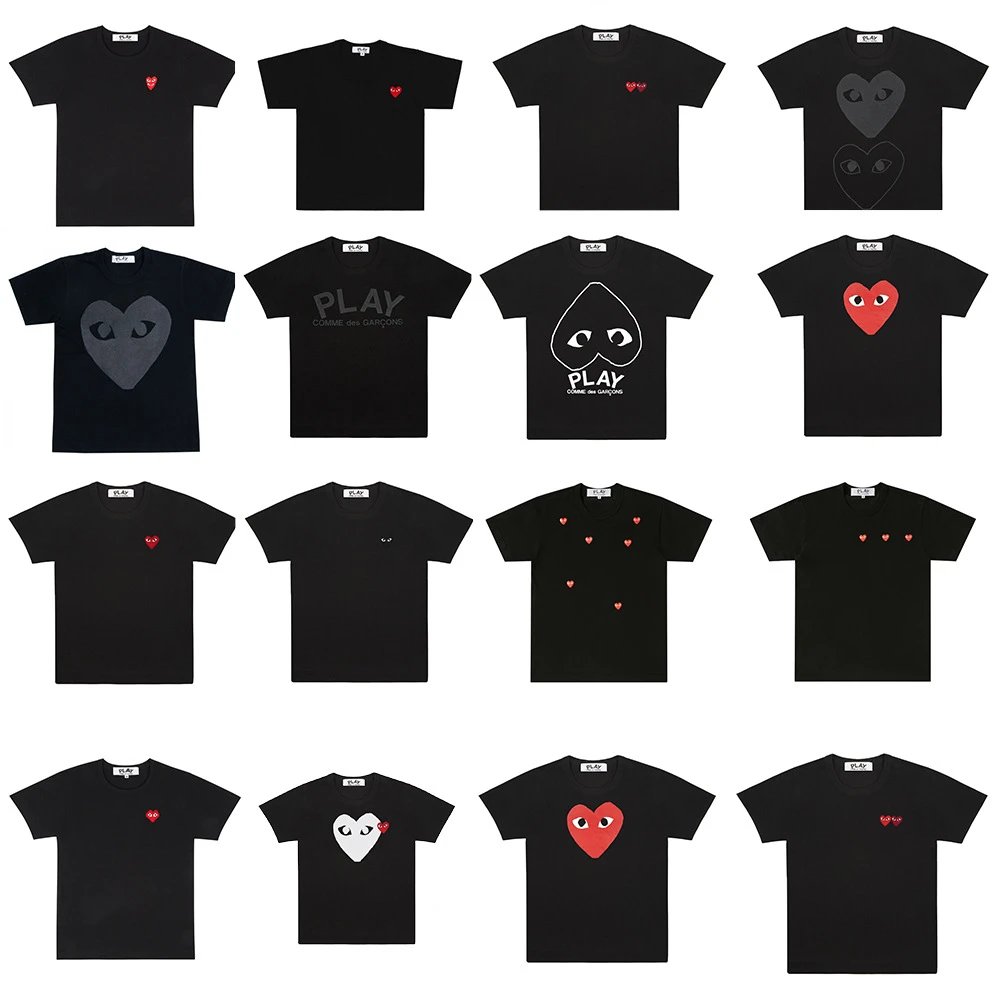
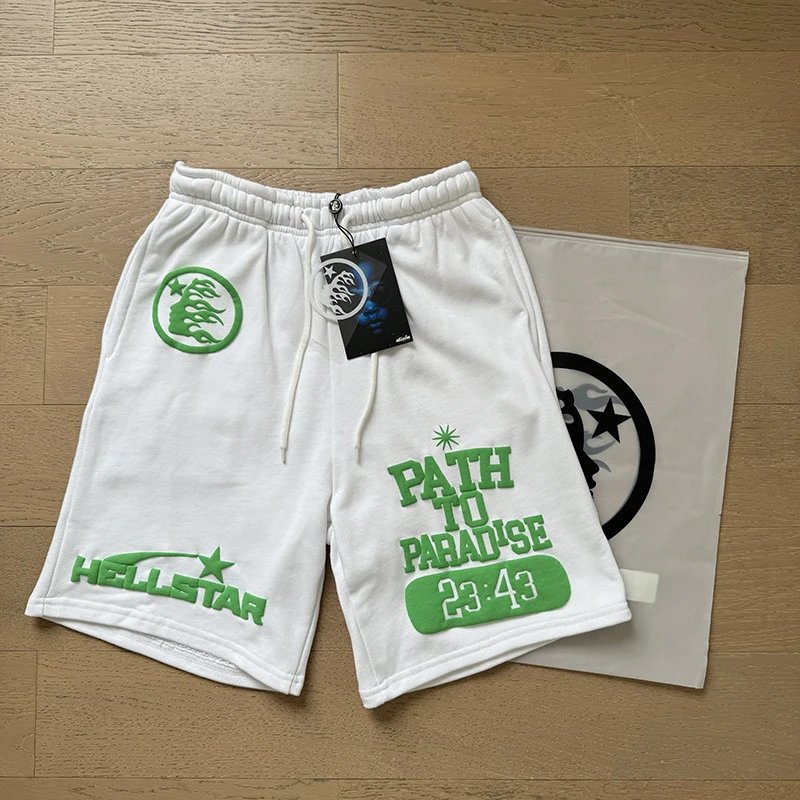


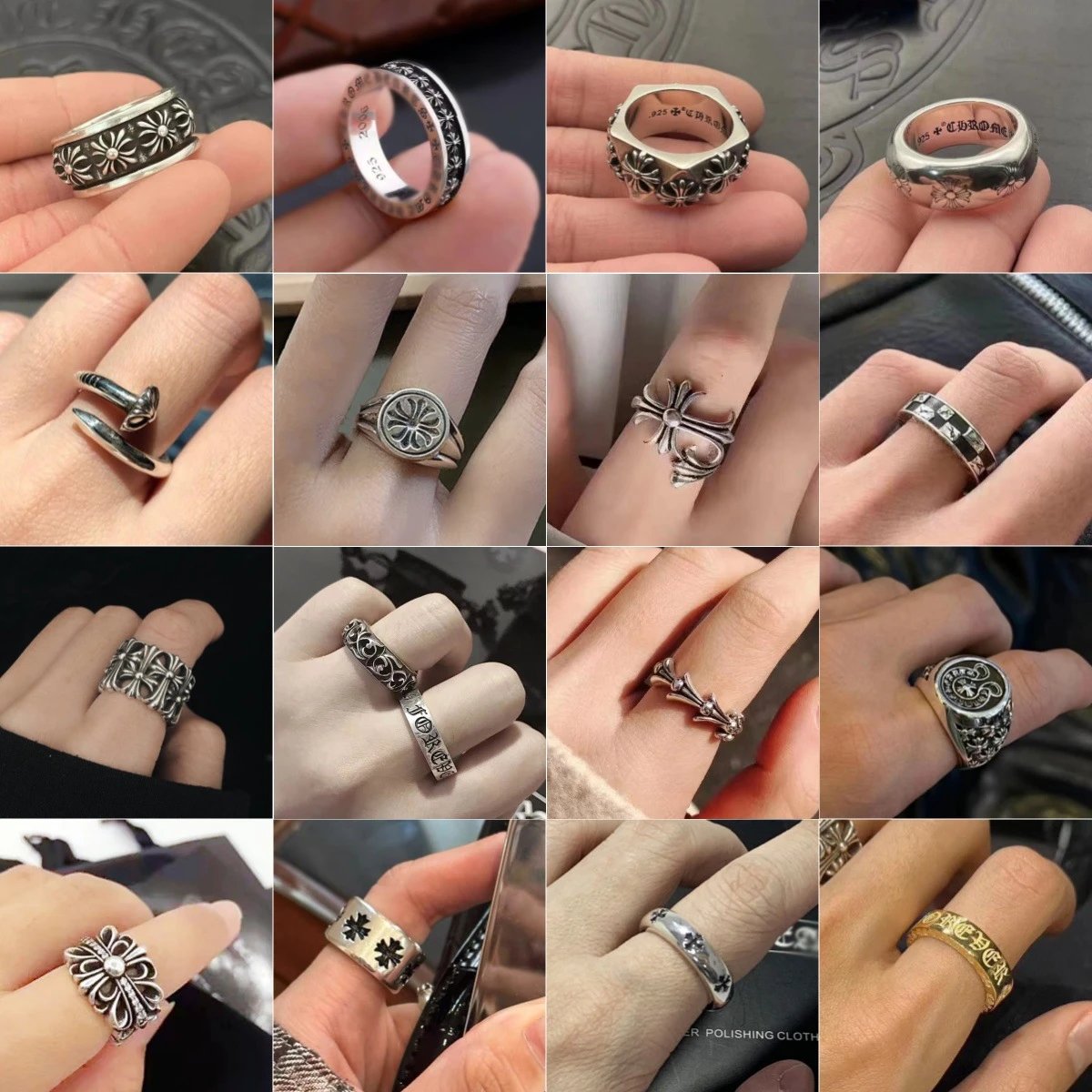

Shop by category
Start with a category
Browse clothing, shoes, bags, accessories and more.
Choose with confidence
See more before you decide
Open a product to compare seller photos, the estimated price, the choices shown for that item and QC photos when available.
When you find a product you like, open it in Hipobuy to confirm the seller's current price, availability and choices.
Explore products- Find it your way
- Search a name, brand or item number, browse a category, or begin with a photo.
- Get a closer look
- Compare seller photos, the estimated price and the choices shown on the product page.
- Check QC photos
- View QC photos when they are available and compare them with the product photos.
- Continue in Hipobuy
- Open the product in Hipobuy to confirm the seller's current price, availability and choices.
FAQ
Hipobuy Spreadsheet FAQ
Quick answers about finding products, checking photos and prices, and opening an item in Hipobuy.
What is the Hipobuy Spreadsheet?
It is an independent product directory for finding items from Taobao, Weidian, 1688 and other supported marketplaces. Browse here, then open your choice in Hipobuy.
Can I buy products on this website?
Purchases are completed on Hipobuy. Open a product here to compare the photos, price estimate, colors and sizes, then select Open in Hipobuy to choose and order.
Which marketplaces can I browse?
You can find products from Weidian, Taobao, Tmall, 1688 and other supported Chinese marketplaces. Each product page shows the marketplace when that information is available.
Is the price shown here final?
No. It is an estimate for easier browsing. The seller price, chosen color or size, exchange rate, domestic delivery and Hipobuy fees can change the final amount.
Can I search with a product photo?
Yes. Upload a clear product photo or screenshot to look for visually similar items, then open a result to compare the available details.
Where can I see QC photos?
When QC photos are available, they appear in a separate section on the product page so you can zoom in and compare them with the product photos.
What can QC photos tell me?
When they are available, QC photos can help you inspect visible details such as shape, color and stitching. They are a visual reference, not a guarantee of quality or authenticity.
Can I view the original product link?
Yes. When the original link is available, use the copy-link button on the product page, then paste the link wherever you need it.